A tour of the app. Click any image to open it full size.
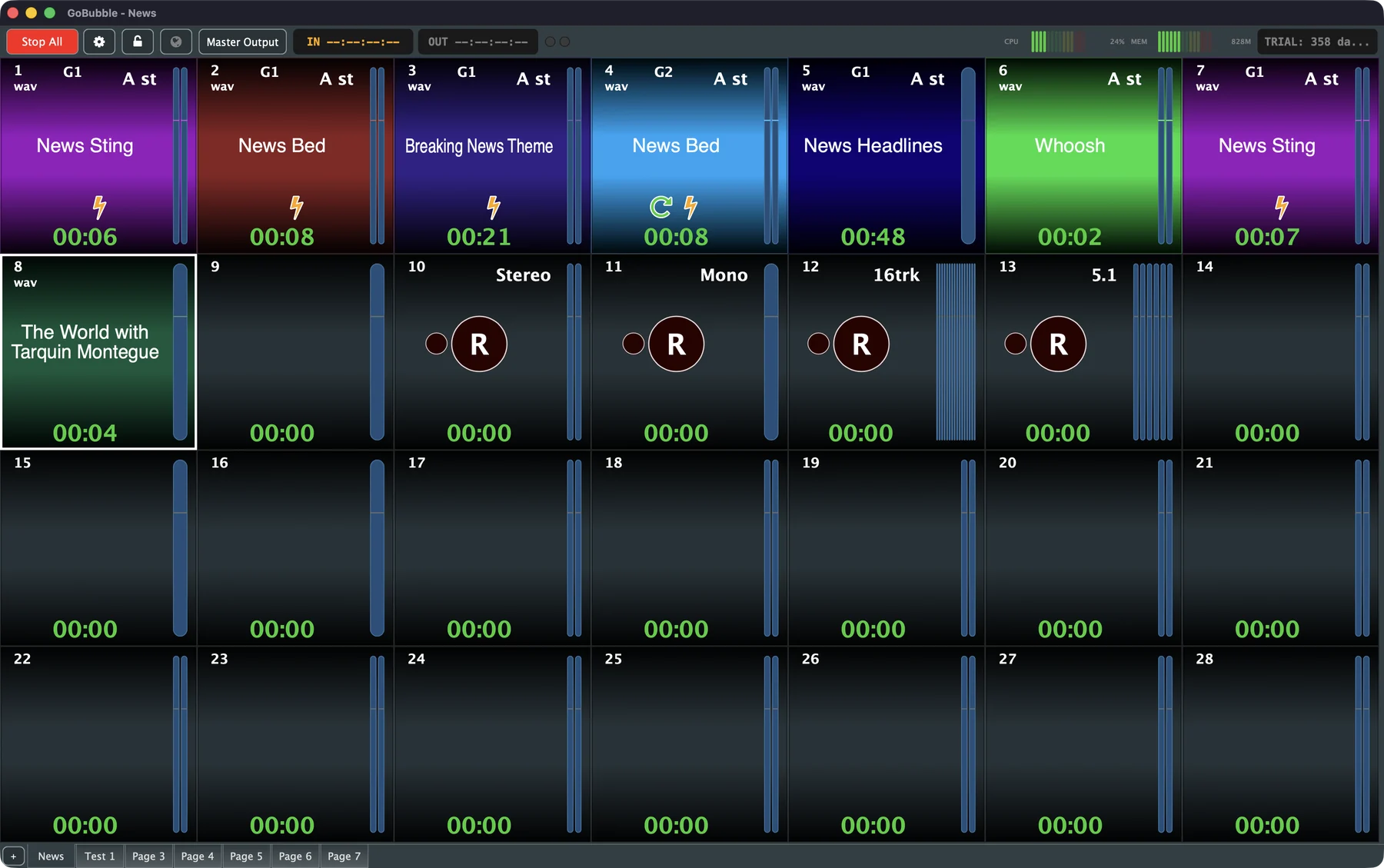
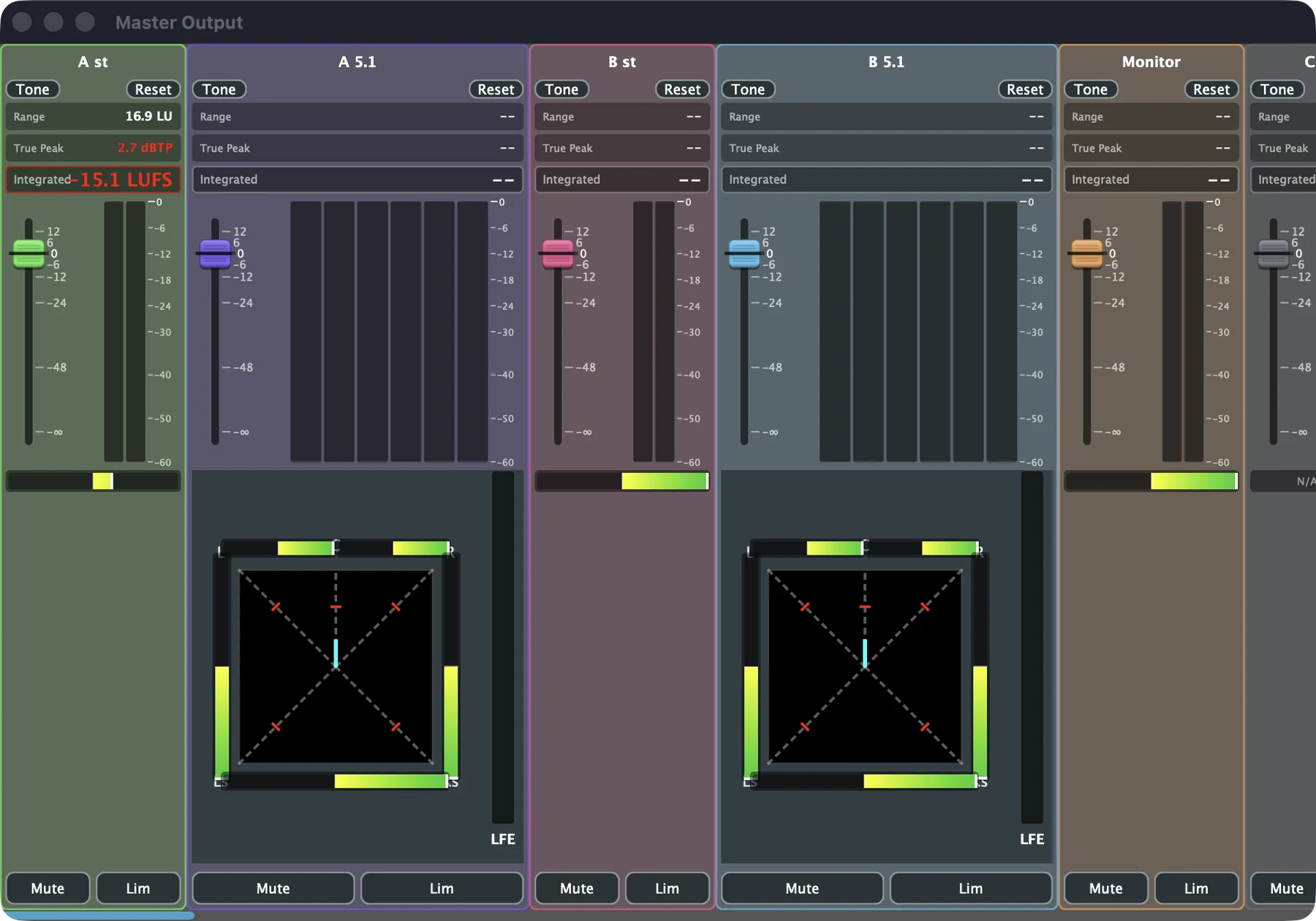
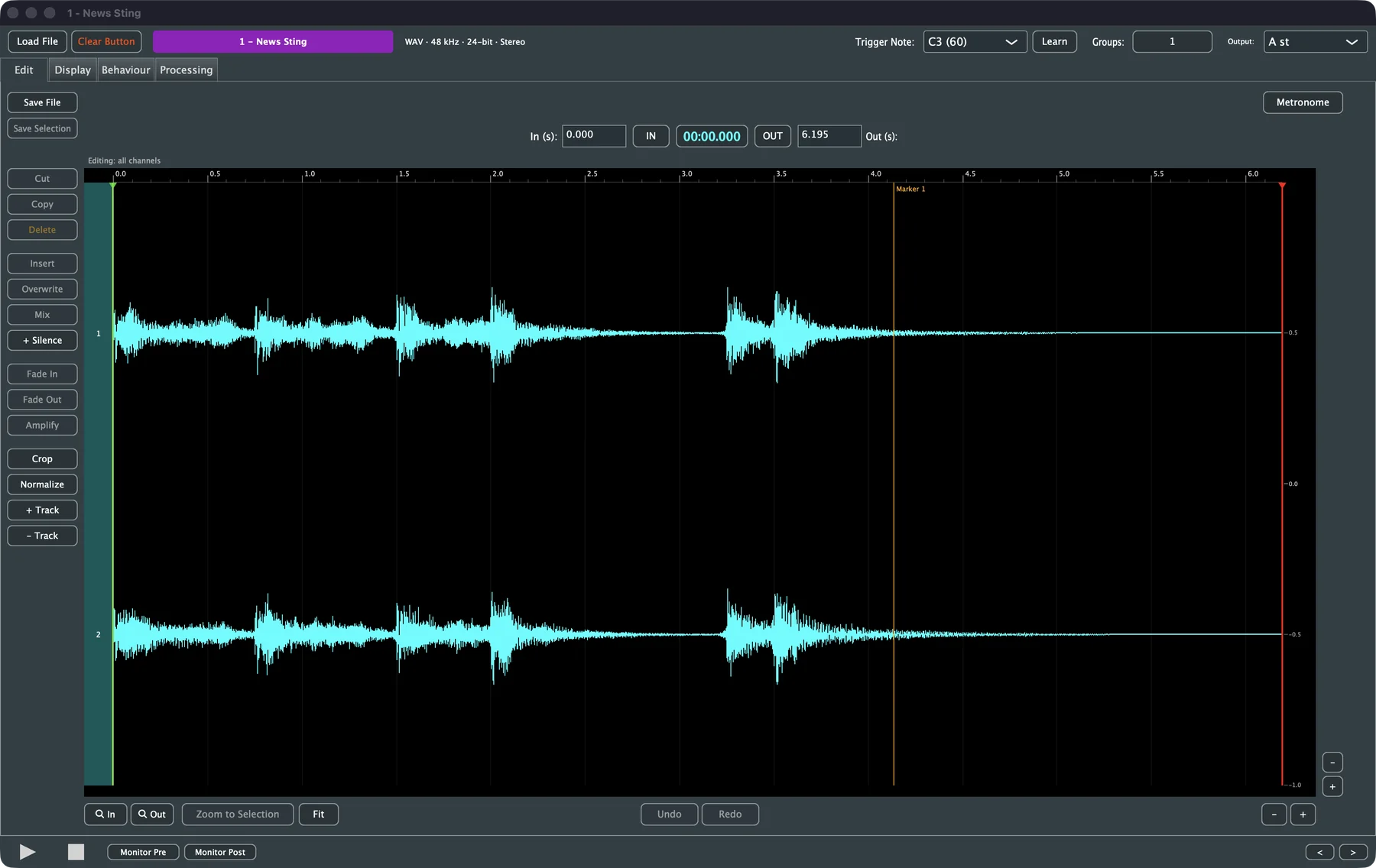
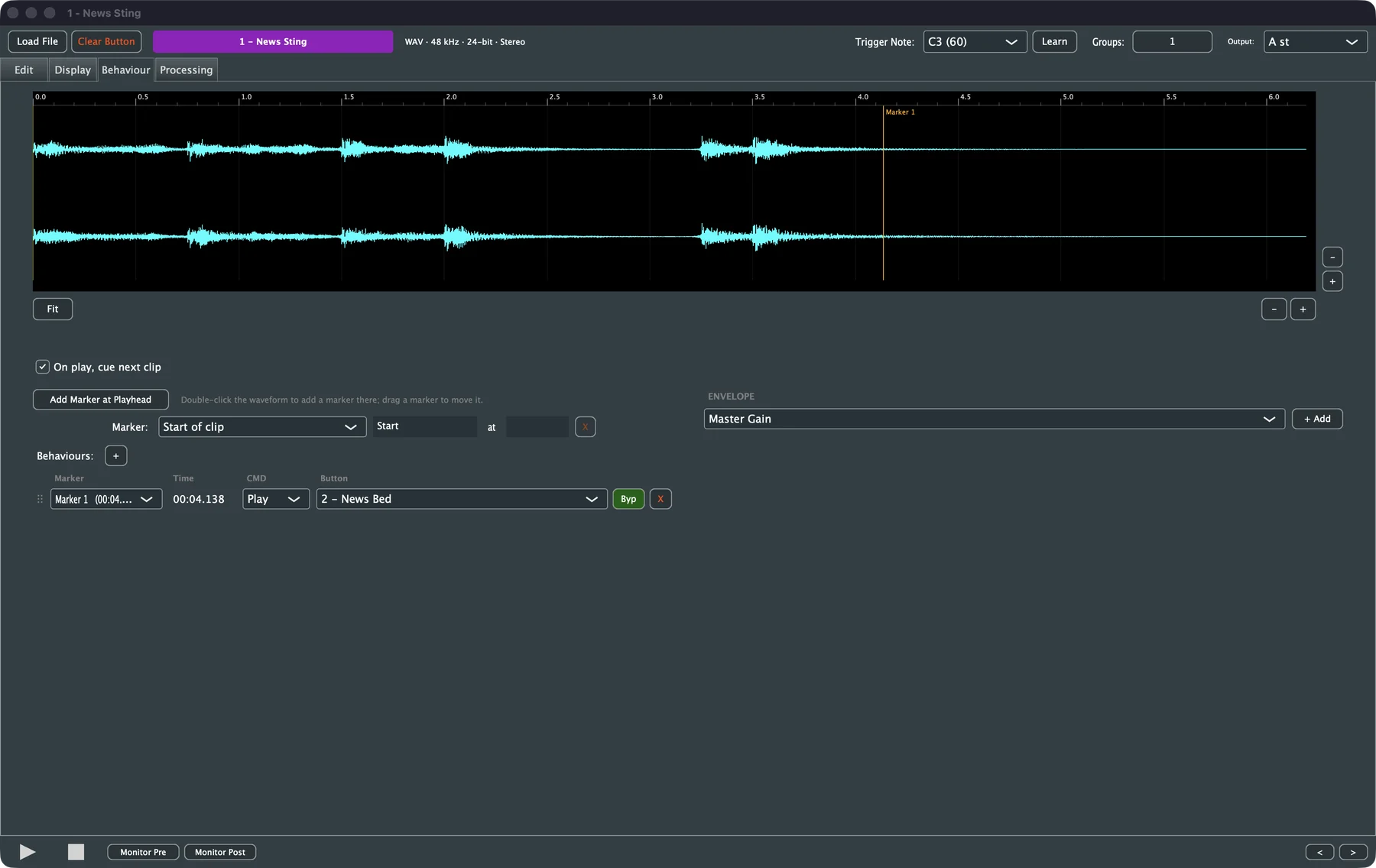
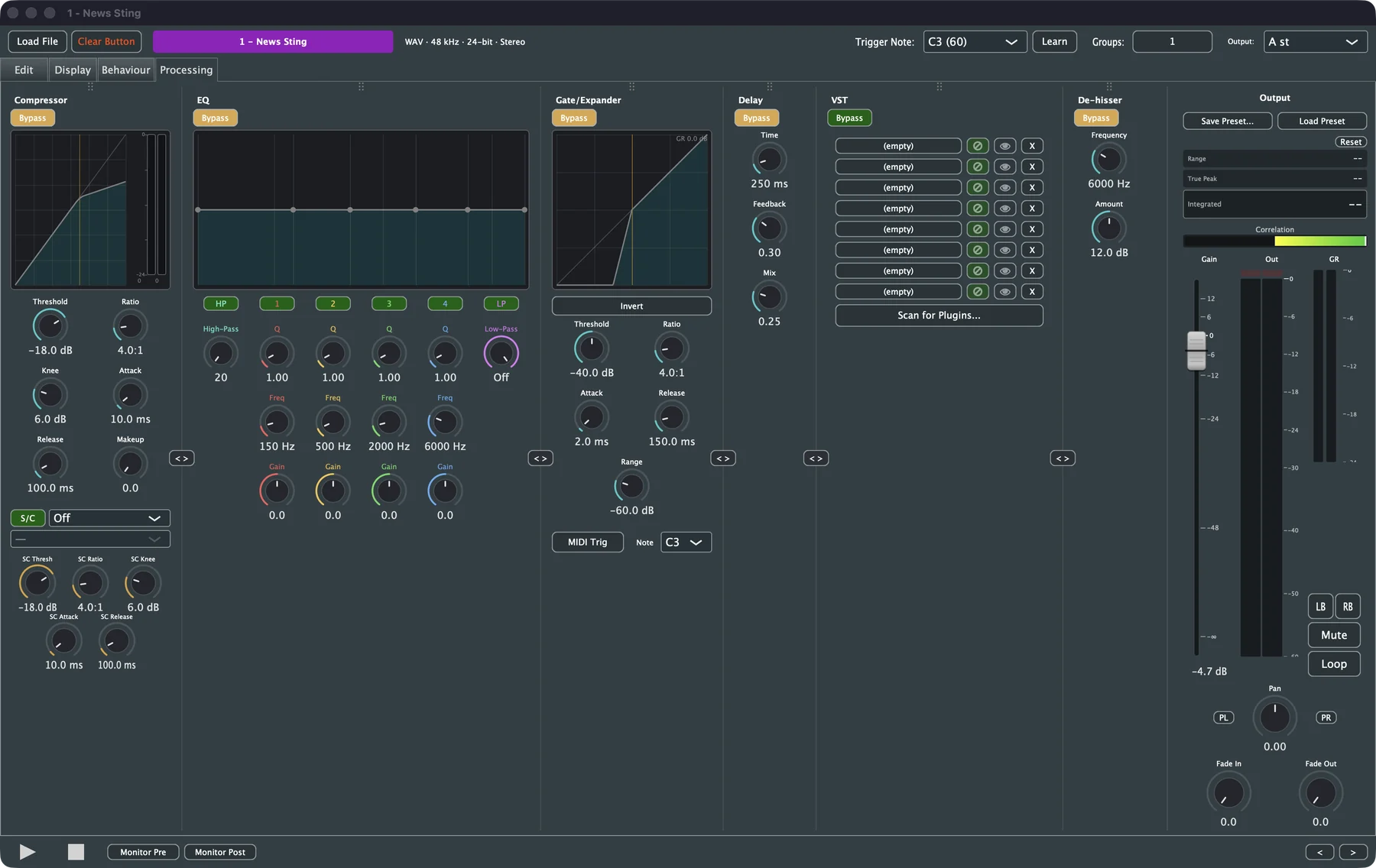
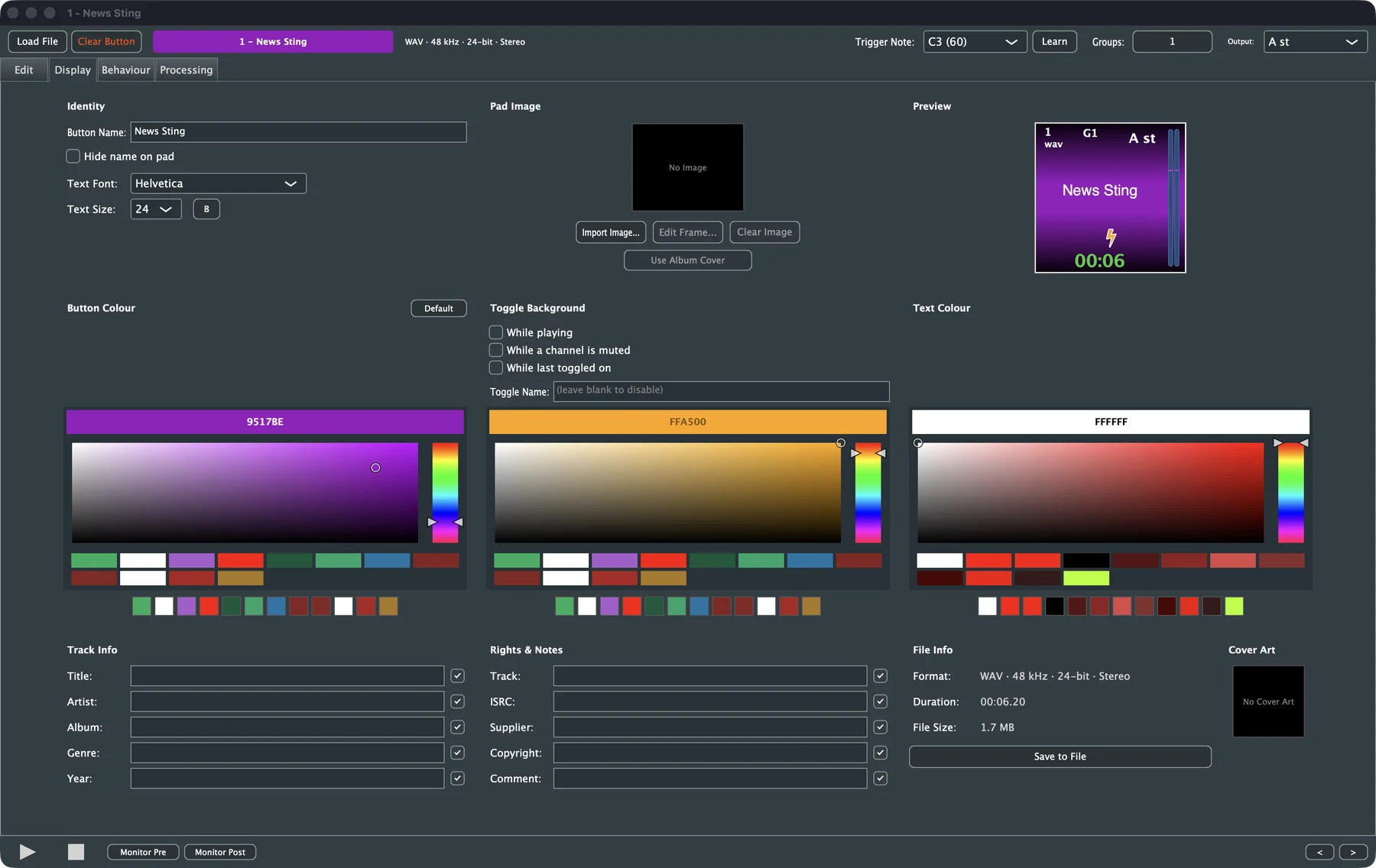
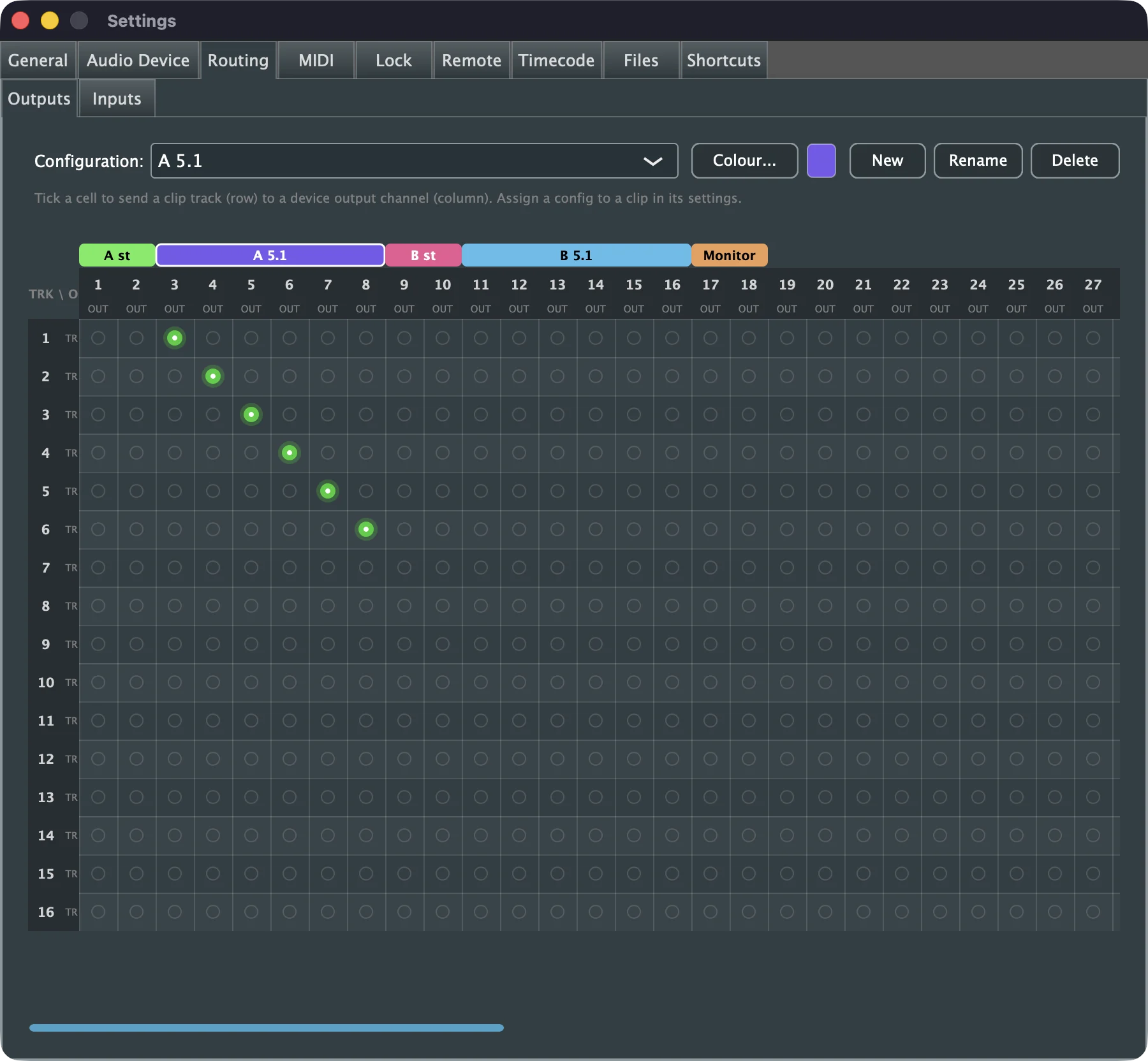
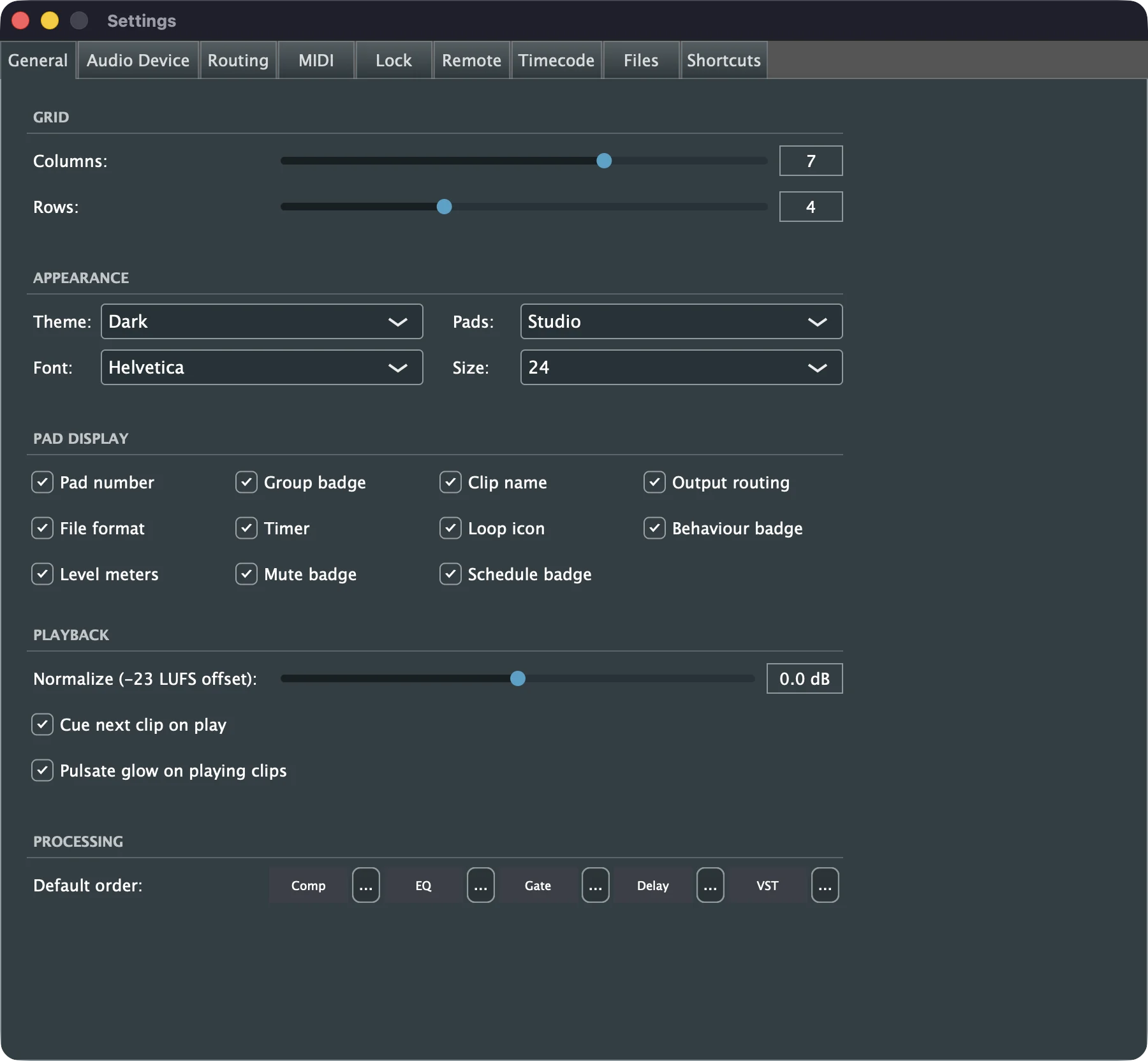
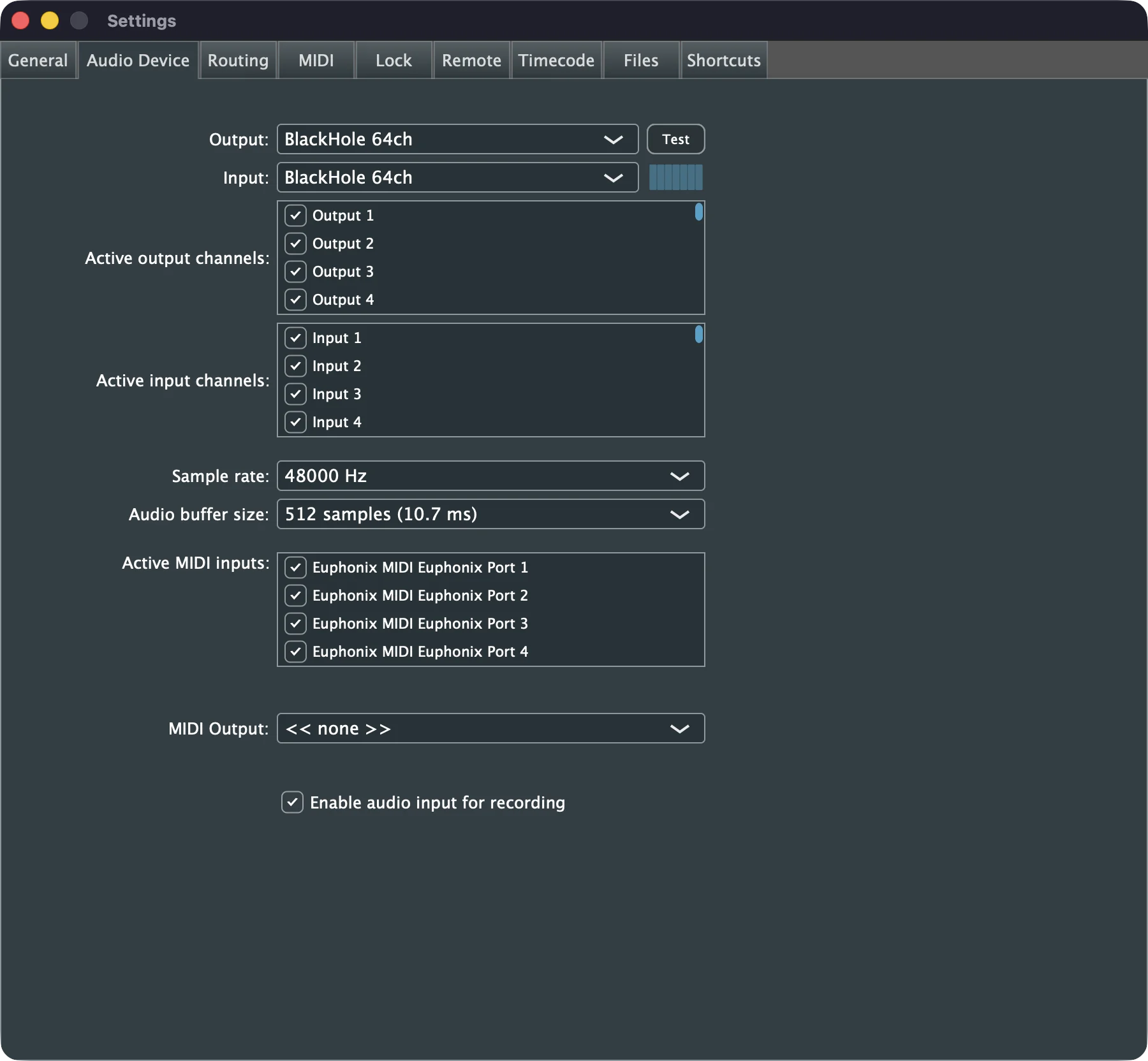
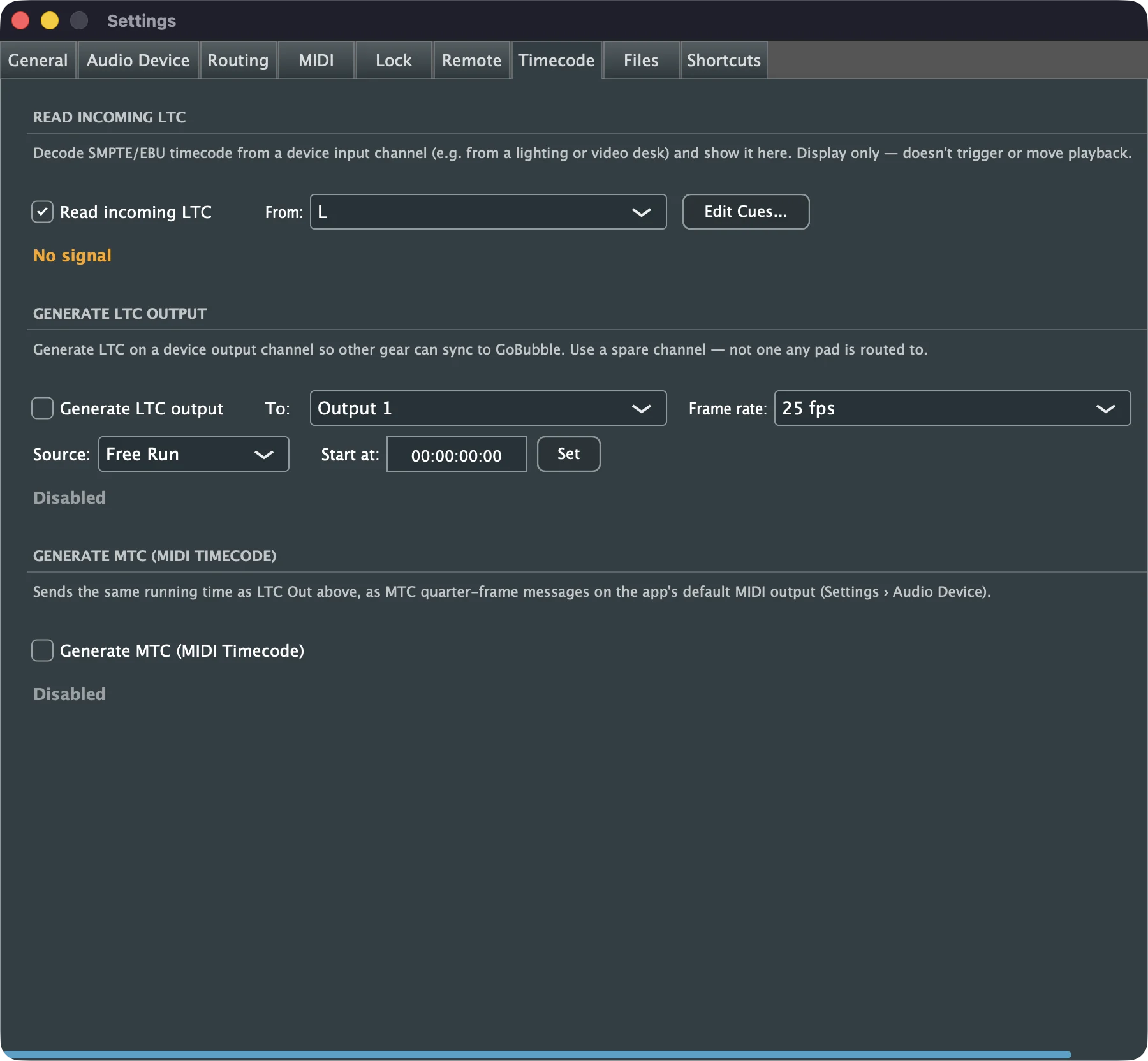
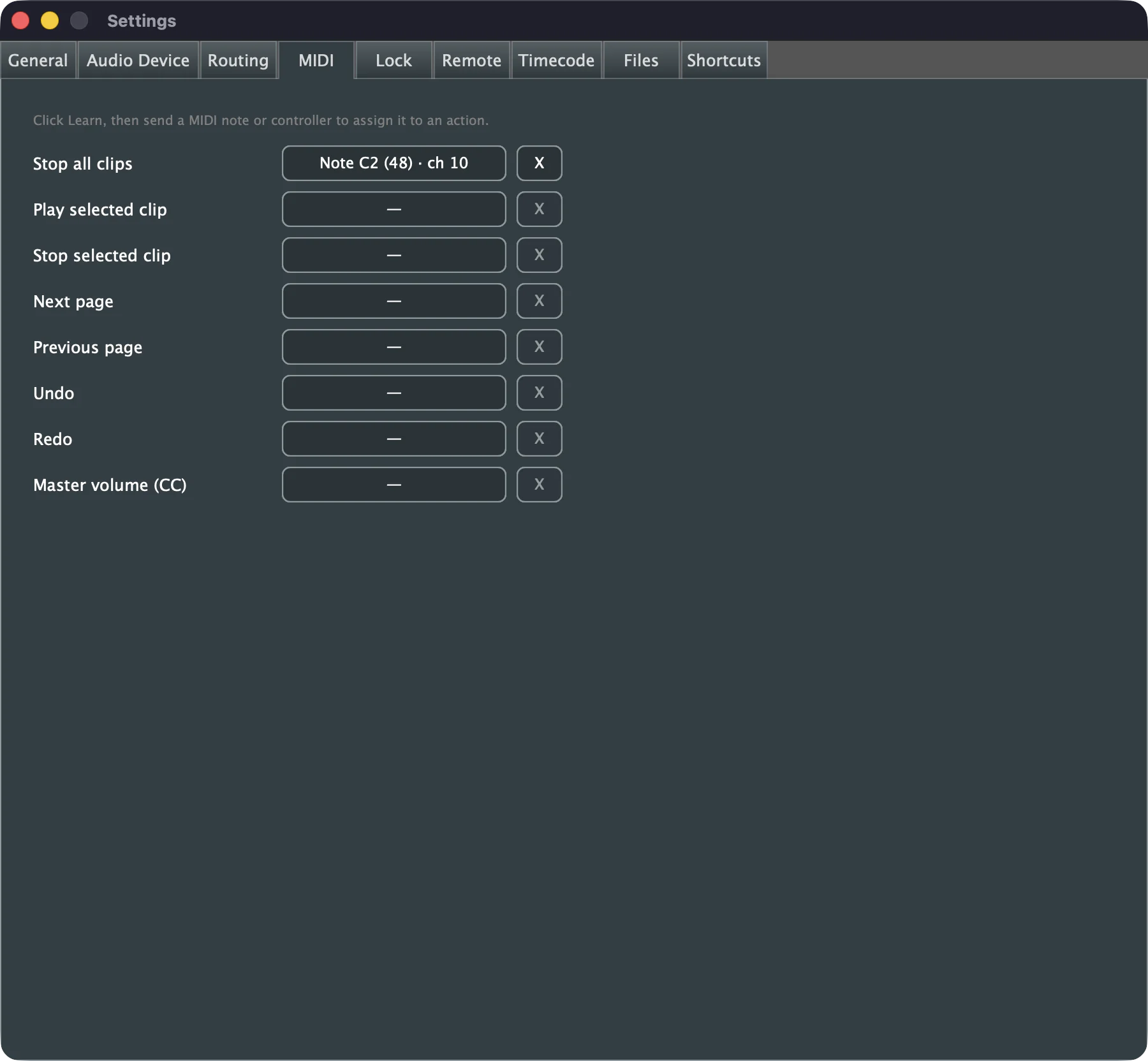
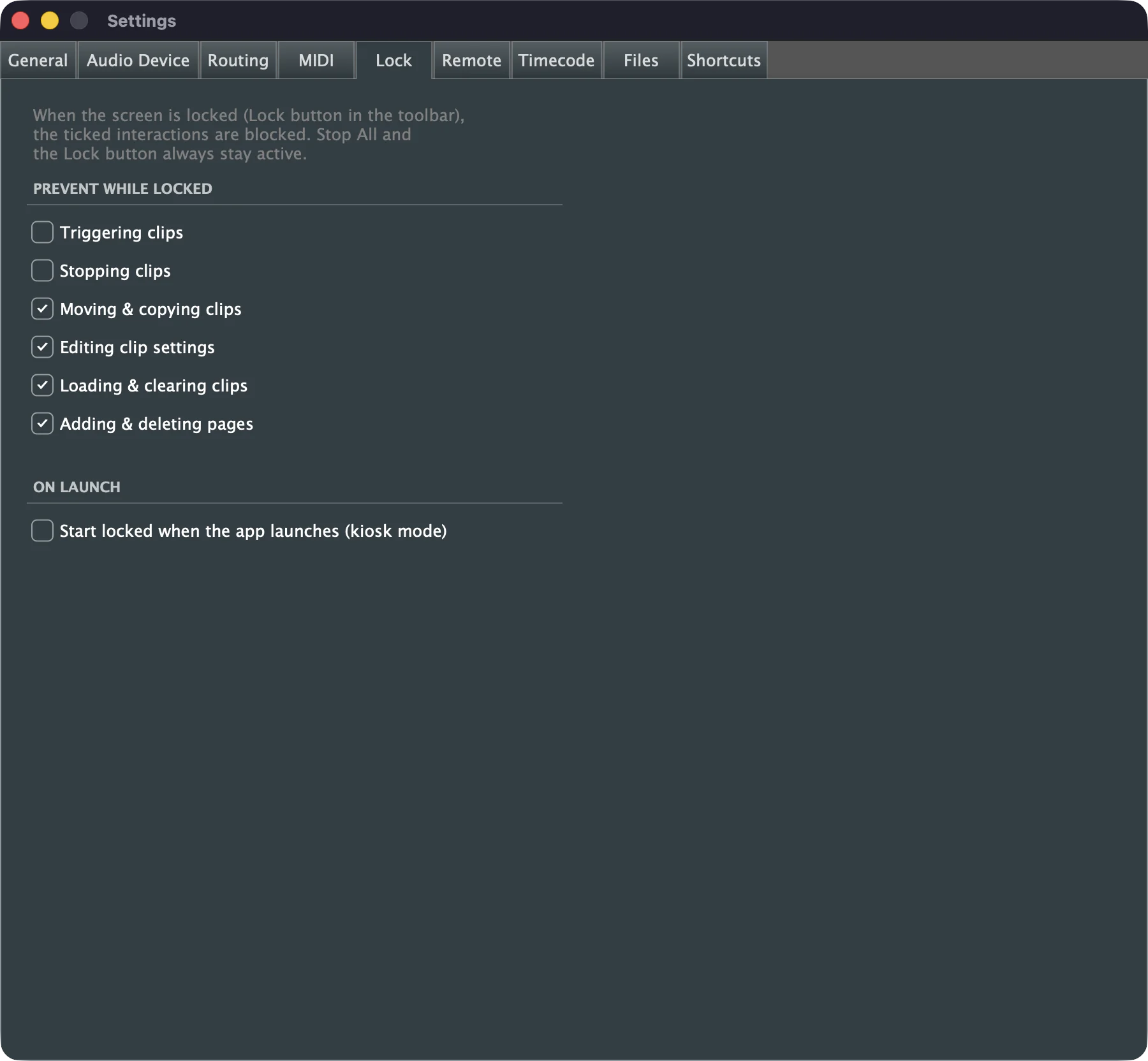
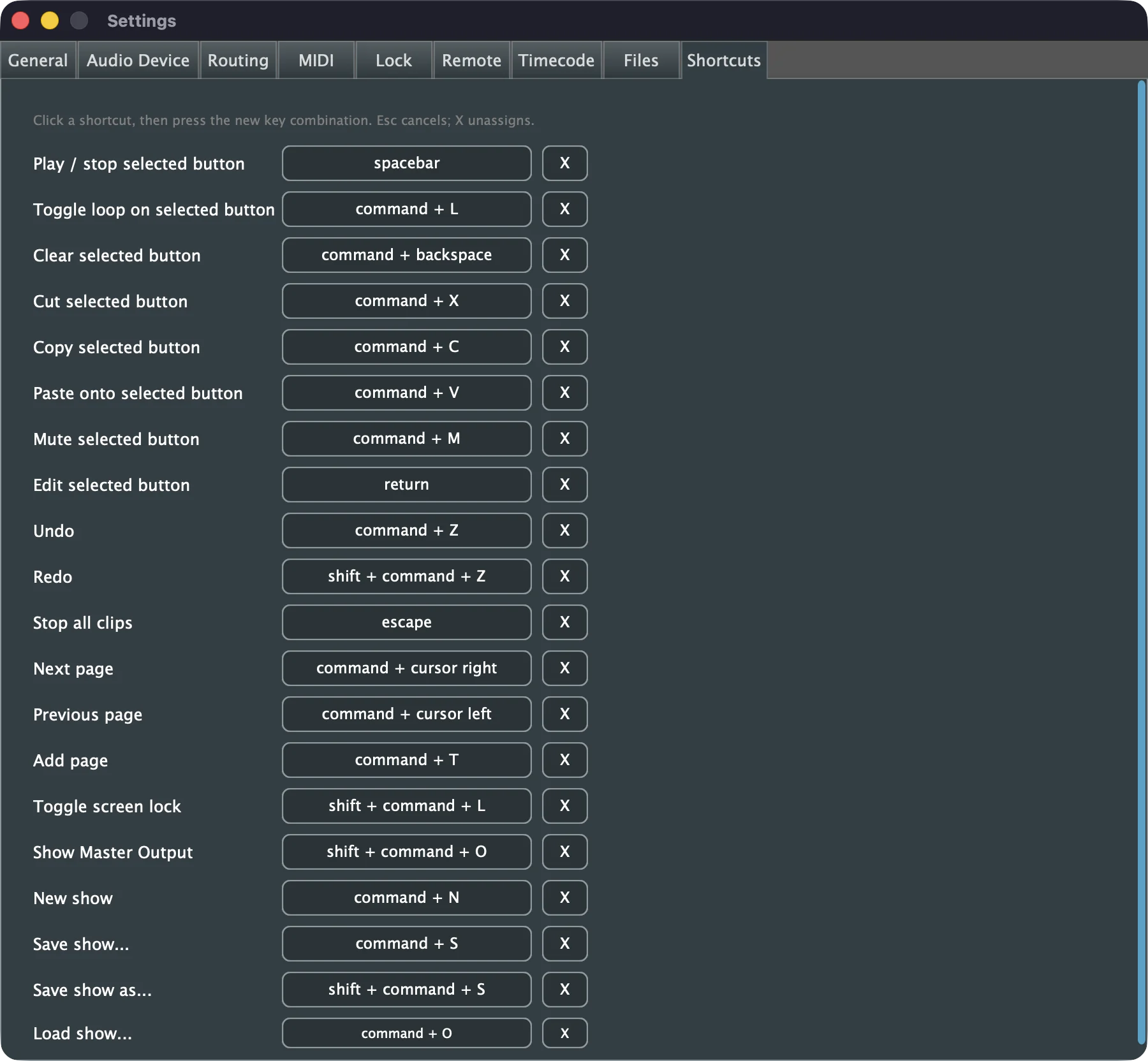
The main window — A grid of pads across unlimited pages, shown here in the Studio pad style: per-channel meters, group and output labels, timers and status badges, with Stop All and Master Output one click away.Master Output — One strip per output group with gain, mute, limiter, range / true-peak / integrated loudness and per-channel meters. 5.1 groups get a surround analyzer, and every group has a Tone button for GLITS, BLITS and 1 kHz line-up tones.Edit — Trim with IN and OUT, cut, copy and paste at the playhead with undo, fade, amplify and normalize to a loudness target, see clipping and true-peak warnings and repair clipping with De-Clip, find a seamless loop automatically, add or remove tracks, and see named behaviour markers in context.Behaviour — Drop markers on the waveform and chain cues: play, stop, cue, group commands, Stop All, or send a MIDI note. Automate Processing parameters over the clip's timeline with envelopes.Processing — A reorderable chain of Compressor, 4-band EQ, Gate/Expander, Delay, VST inserts and a De-hisser feeding an Output strip with gain, pan, fades, mute and loudness metering.Display — Name, font, pad image, button, toggle and text colours with a live preview, plus track and rights information for royalty reporting.Output routing — A visual patch bay maps up to 16 clip tracks onto up to 64 output channels. Named, colour-coded configurations show their channel ranges above the matrix.General settings — Grid size up to 10 × 10, theme, pad style, pad display options, loudness-based normalize target and default processing order.Audio device — Choose input and output devices, active channels, sample rate, buffer size and MIDI ports.Timecode — Read incoming LTC, generate LTC or MTC, and fire pads from a timecode cue list.MIDI control — Map notes and controllers to global actions, including a continuous master-volume fader.Screen lock — Choose exactly what stays disabled when the rig is locked for a performer. Stop All never locks out.Keyboard shortcuts — Rebind every keyboard action to suit your workflow.